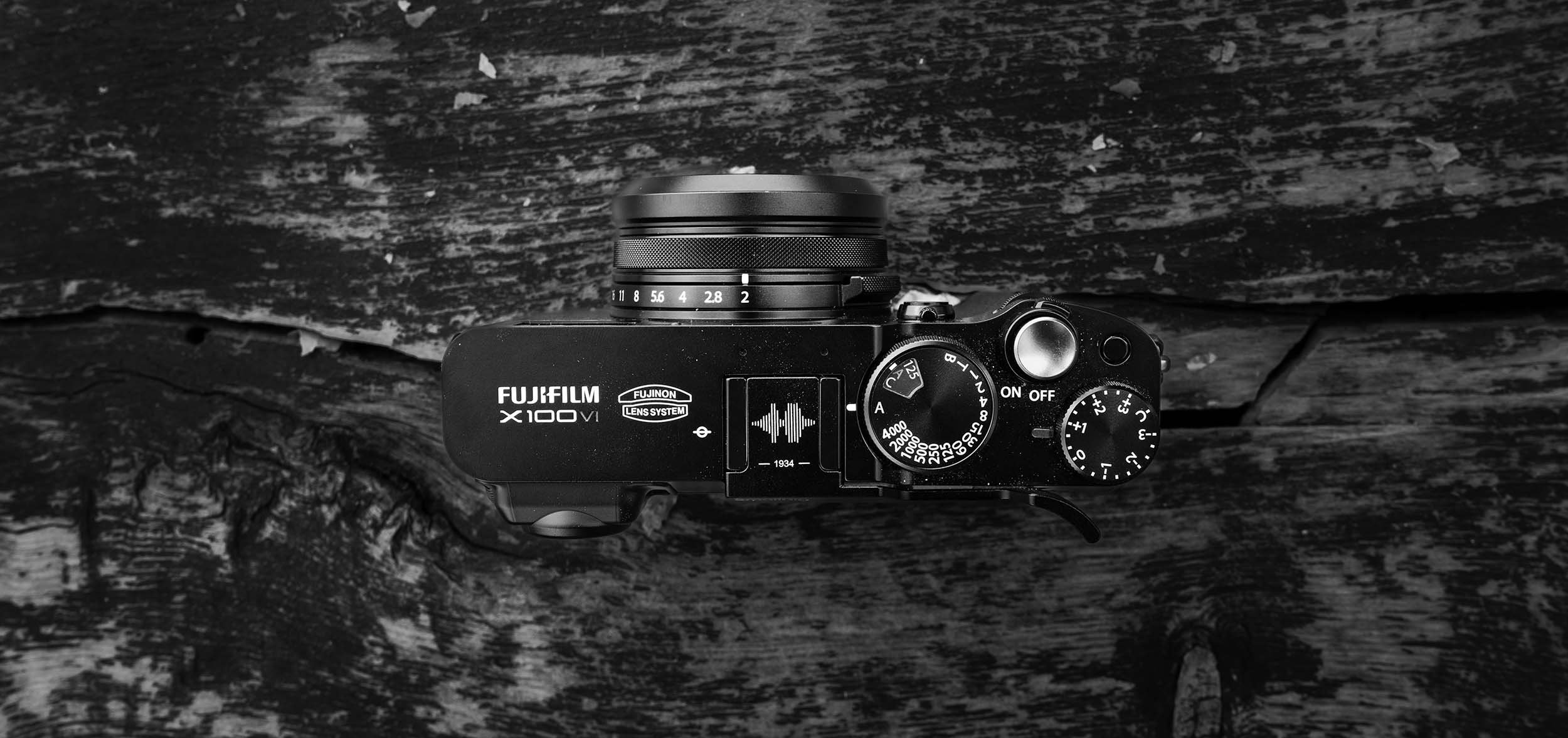
Fujifilm X100VI Film Recipes
Sophia and I have been sharing a Fujifilm X100VI for almost 6 months now and I continually get asked what recipes we are using. Thus this page will contain the recipes we find ourselves using the most with some example images. The X100VI uses the X-Trans V sensor but these recipes should work with older models as well as long as you have the built in simulation.
All of these recipes are taken from fujixweekly with potential minor tweaks and full credit will be given for each, this is simply a consolidation of what is currently on our Fuji X100VI. If you have any questions feel free to shoot me a message.
Every image on this page has been unedited (besides a possible crop) and is straight out of camera.
Updated December 2025
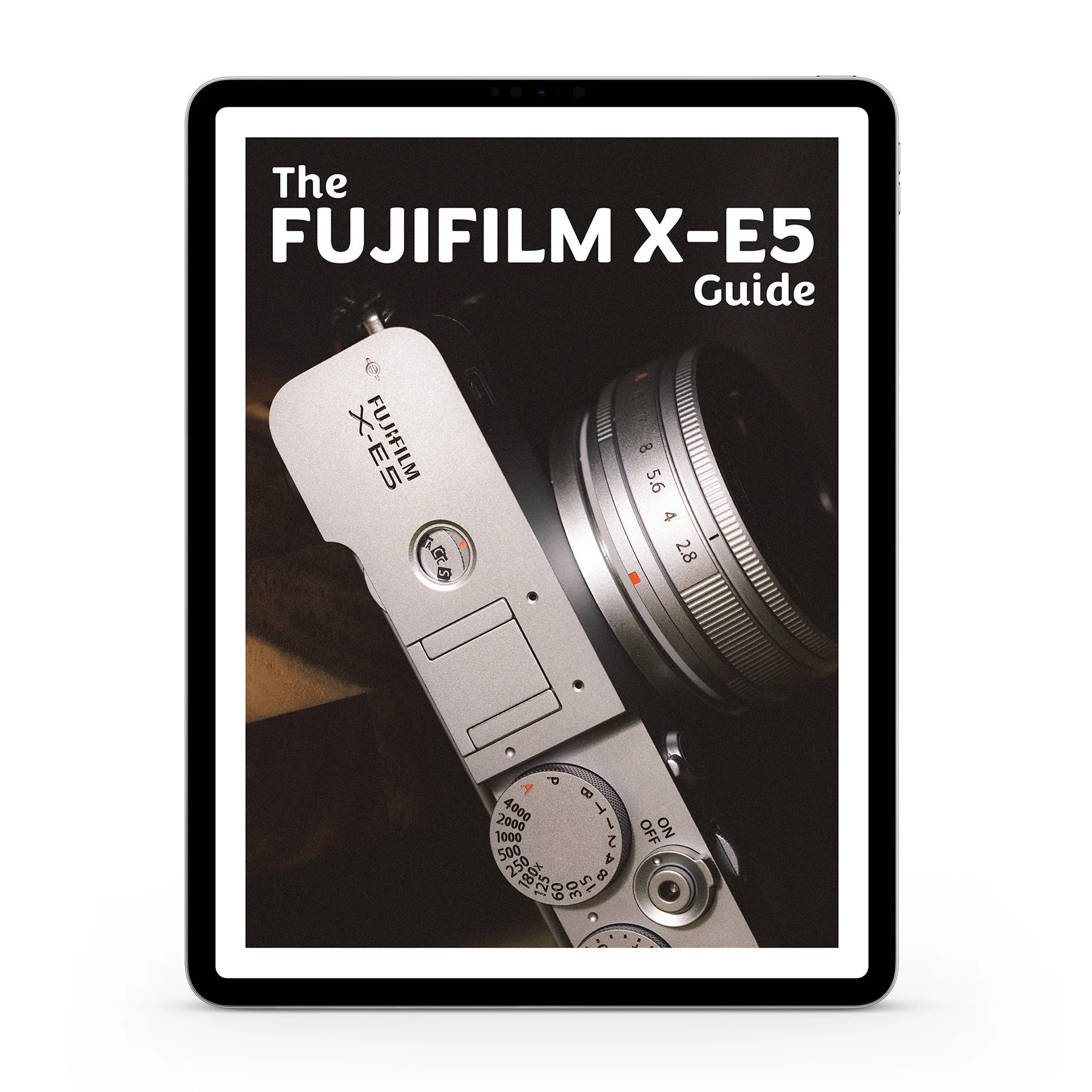
This guide will cover exactly how I personally setup my Fujifilm X-E5 including sections on:
Customizing dials and controls to quickly change the most important settings in the field.
Q-Menu and My Menu setup to put the camera’s most crucial menu items one step away.
How to create, manage, and use Fujifilm’s Film Simulations + Recipes
Complete setup for video, frame rates, and utilizing F-log
My guidance on exposure settings, focus modes, and best practices in the field.
The Fujifilm X-E5 is essentially a X100VI with interchangable lenses, thus between using both of them I have a lot of time optimizing my settings. Not only will this help you get up and running fast with a streamlined setup, I also explain what many of the settings actually do rather than simply telling you to copy me. That way you have the tools to customize much of this camera to your own preferences as well. I don’t cover every setting in this guide and this is certainly not a replacement for the official user manual (which is 452 pages). I do cover every possible settings I use on this camera, even the obscure ones.
THIS IS A DIGITAL DOWNLOAD and not a physical product. You’ll receive a PDF in both portrait and landscape orientation for viewing however you’d prefer. The file is less than 10MB and should be easy to download on nearly any internet connection.
I’ve spent over 15 years with different cameras in my hands and gotten very adept at knowing exactly what I want my camera setup to be. If for some reason you aren’t satisfied with the guide, shoot me an email. I’d love your feedback and to make it right with you. Buying this guide directly supports me and enables me to keep creating - thank you.
Fujifilm X-E5 Guide!
If you want to learn more about how to create recipes for the Fujifilm X-E5 or simply get a more streamlined setup for using your camera - check out my newly released Fujifilm X-E5 Guide.
I cover every button, dial, and menu I’ve adjusted to streamline my photography with the Fujifilm X-E5. I also explain what many of the settings actually do rather than simply tell you to copy me. That way you have the tools to customize much of this camera to your own preferences as well.
My goal with this guide is to enable you to spend a lot less time fighting with your camera and a lot more time nailing shots.
Save yourself a lot of headache and time by grabbing it today! This is also the absolute best way to directly support me as a creator to keep making content like this!
Kodak Portra 800


Film Simulation: Classic Chrome
Dynamic Range: DR400
Grain Effect: Strong, Large
Color Chrome Effect: Strong
Color Chrome FX Blue: Off (X-Trans V); Weak (X-Trans IV)
White Balance: 6600K, -1 Red & -3 Blue
Highlight: -2
Shadow: -0.5
Color: +3
Sharpness: -2
High ISO NR: -4
Clarity: -3
ISO: Auto, up to ISO 6400
Exposure Compensation: +1/3 to +1 1/3 (typically)
credit: Ritchie Roesch
Kodak Gold 200





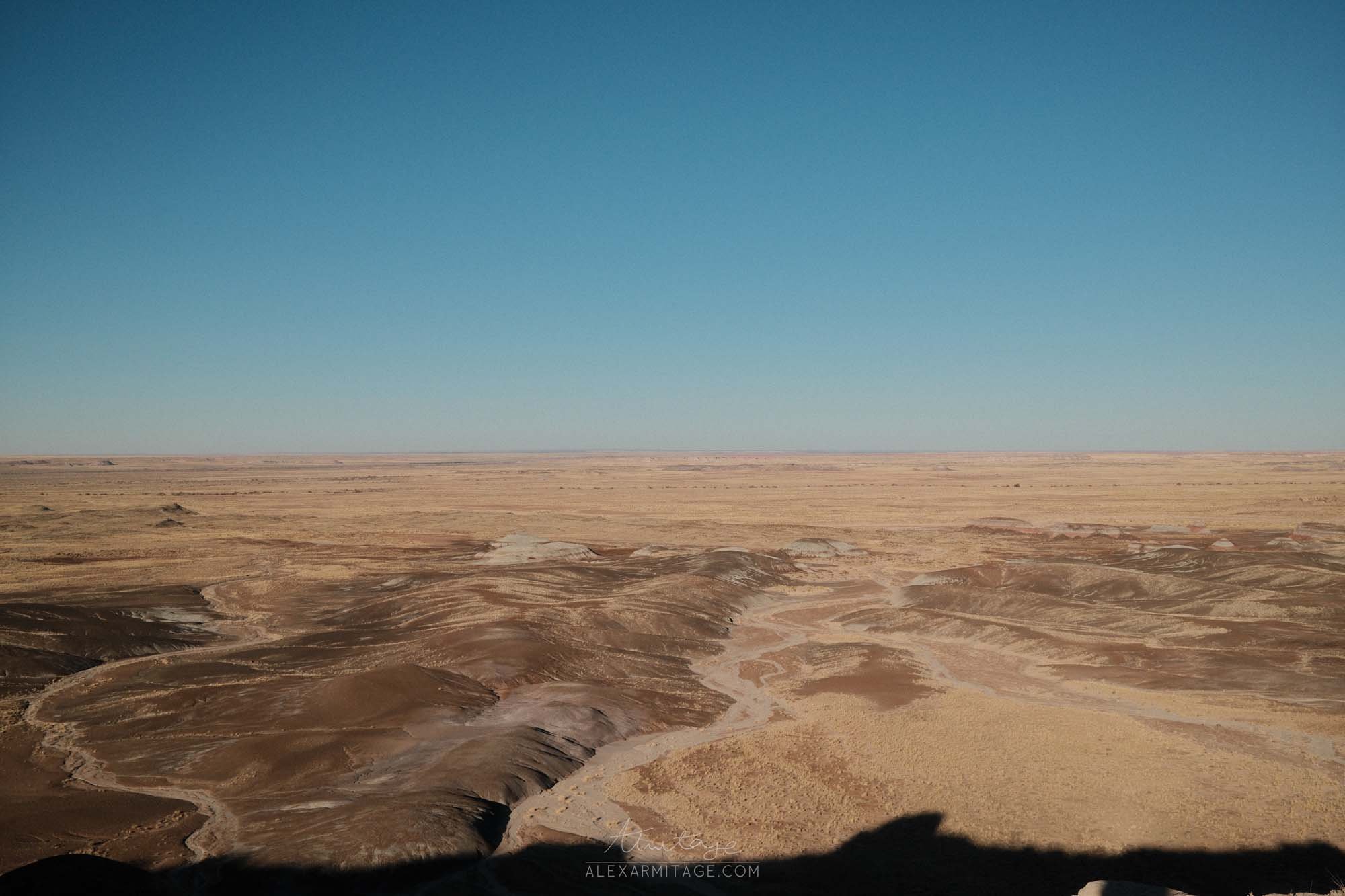


Film Simulation: Classic Chrome
Grain Effect: Strong, Small
Color Chrome Effect: Weak
Color Chrome FX Blue: Off
White Balance: Daylight, +4 Red & -5 Blue
Dynamic Range: DR400
Highlight: -1.5
Shadow: +0.5
Color: +3
Sharpness: -2
High ISO NR: -4
Clarity: -2
ISO: Auto, up to ISO 6400
Exposure Compensation: +2/3 to +1 (typically)
credit: Ritchie Roesch
Wes Anderson


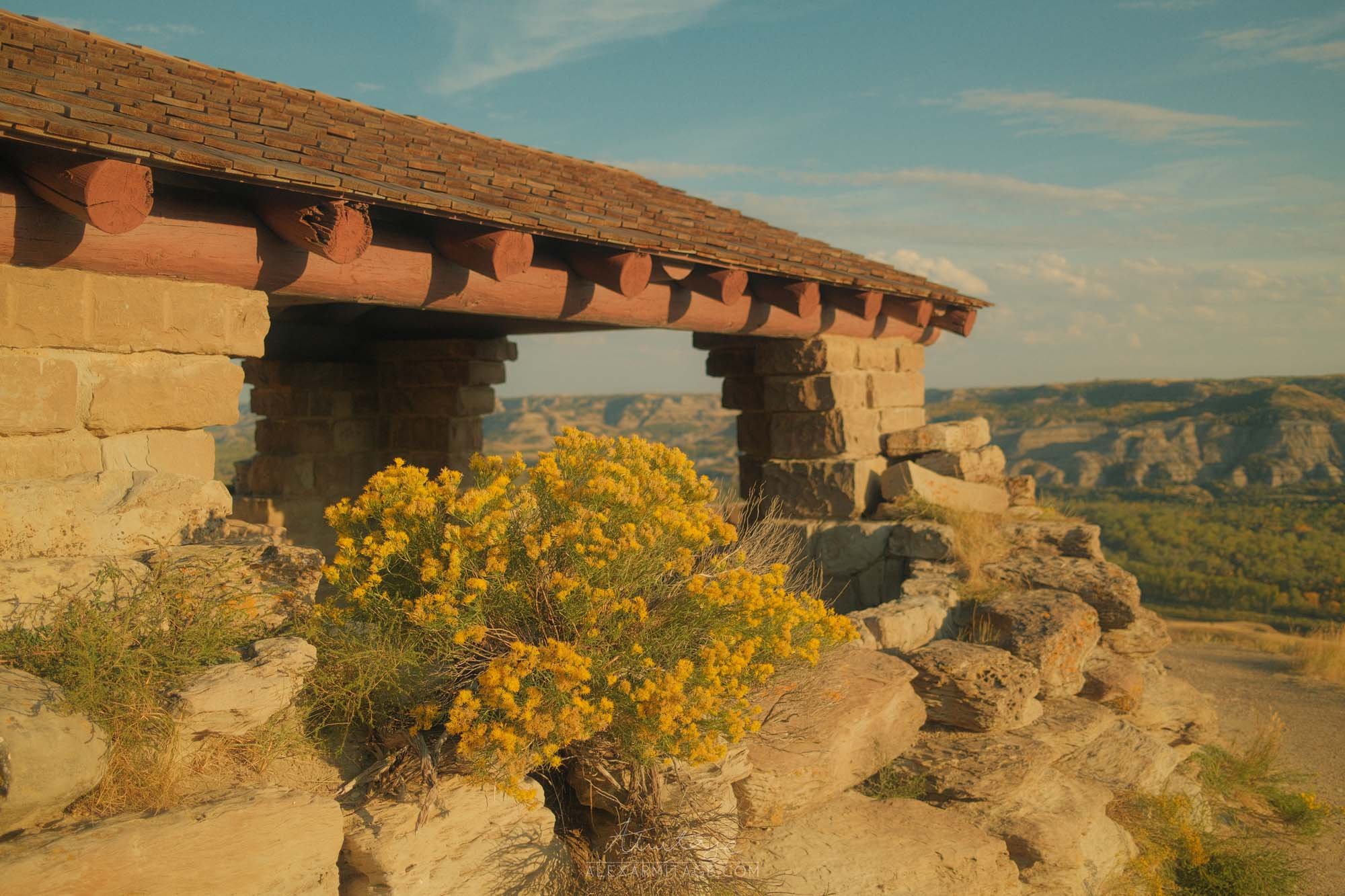

Film Simulation: Classic Chrome
Grain Effect: Weak, Small
Color Chrome Effect: Off
Color Chrome FX Blue: Weak
White Balance: 4350K, +6 Red & -8 Blue
Dynamic Range: DR-P Strong
Color: +4
Sharpness: -2
High ISO NR: -4
Clarity: -3
ISO: Auto, up to ISO 6400
Exposure Compensation: +2/3 to + 1 1/3 (typically)
credit: Ritchie Roesch
1970's Summer


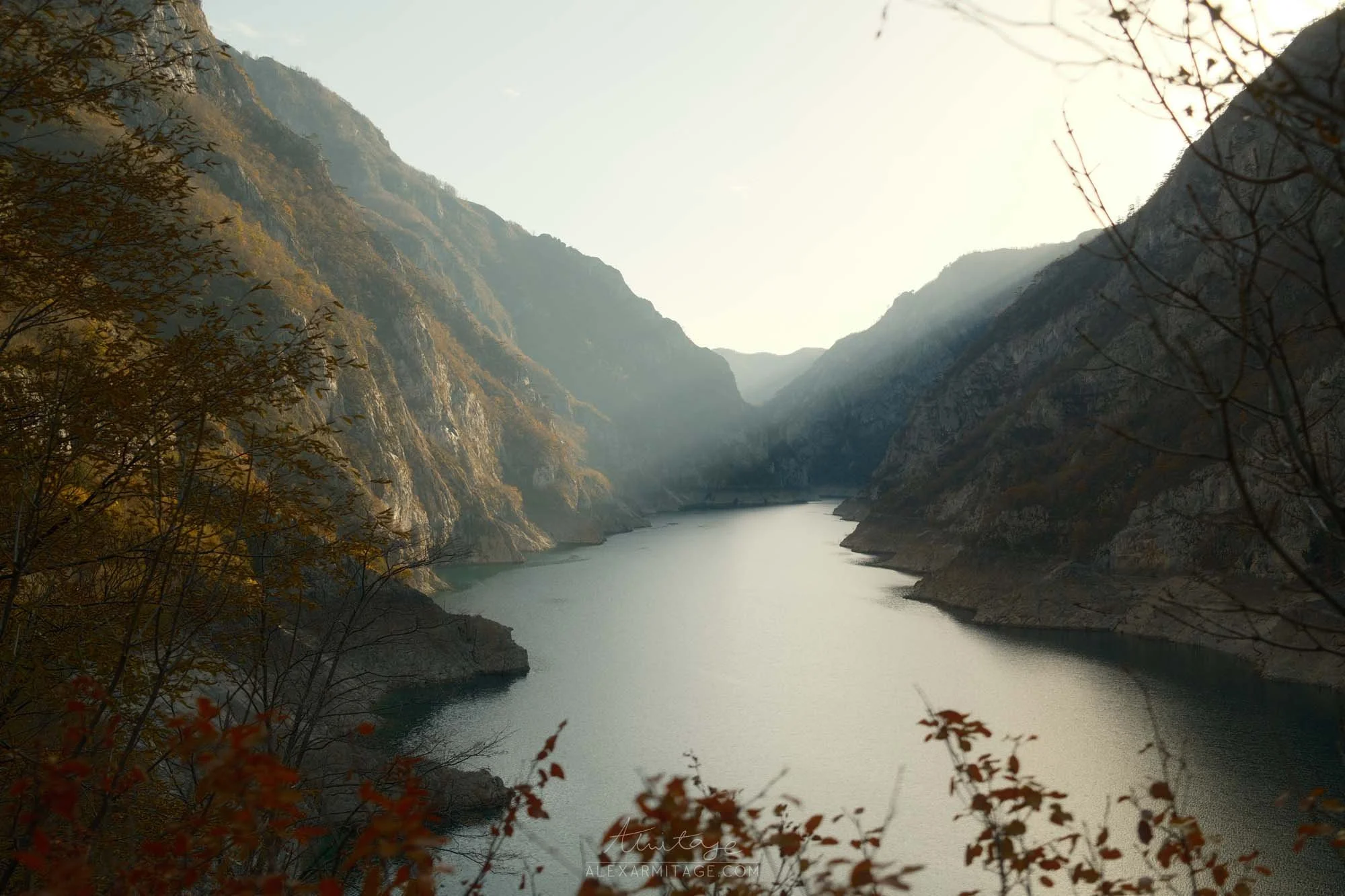
Film Simulation: Nostalgic Neg.
Grain Effect: OFF, Small
Color Chrome Effect: Strong
Color Chrome FX Blue: Strong
White Balance: 6300K, -1 Red & -4 Blue
Dynamic Range: DR400
Highlight: -2
Shadow: -0.5
Color: -2
Sharpness: -2
High ISO NR: -4
Clarity: -3
ISO: Auto, up to ISO 6400
Exposure Compensation: +1/3 to +1 (typically)
credit: Ritchie Roesch
Gentle Reala Ace


Film Simulation: Reala Ace
Dynamic Range: DR400
Grain Effect: Weak, Small
Color Chrome Effect: Strong
Color Chrome FX Blue: Weak
White Balance: Auto, 0 Red & 0 Blue
Highlight: -1
Shadow: 0
Color: 0
Sharpness: 0
High ISO NR: -4
Clarity: 0
ISO: Auto, up to ISO 6400
Exposure Compensation: +1/3 to +1 (typically)
credit: Ritchie Roesch
Enjoy This Content?
Hey if you found this content helpful and want to see more of it, consider signing up for my free Patreon! It is completely free to sign up. I’ve got giveaways going on, editing videos, and behind the scenes content over there.
Other ways you can support me is by buying me a coffee or putting some gas in Rosc’s tank! Below you can donate right through my website, or if you’d prefer you can via paypal or venmo! No matter what, thanks for being here.