
My Experience of the TourBox for Photo Editing
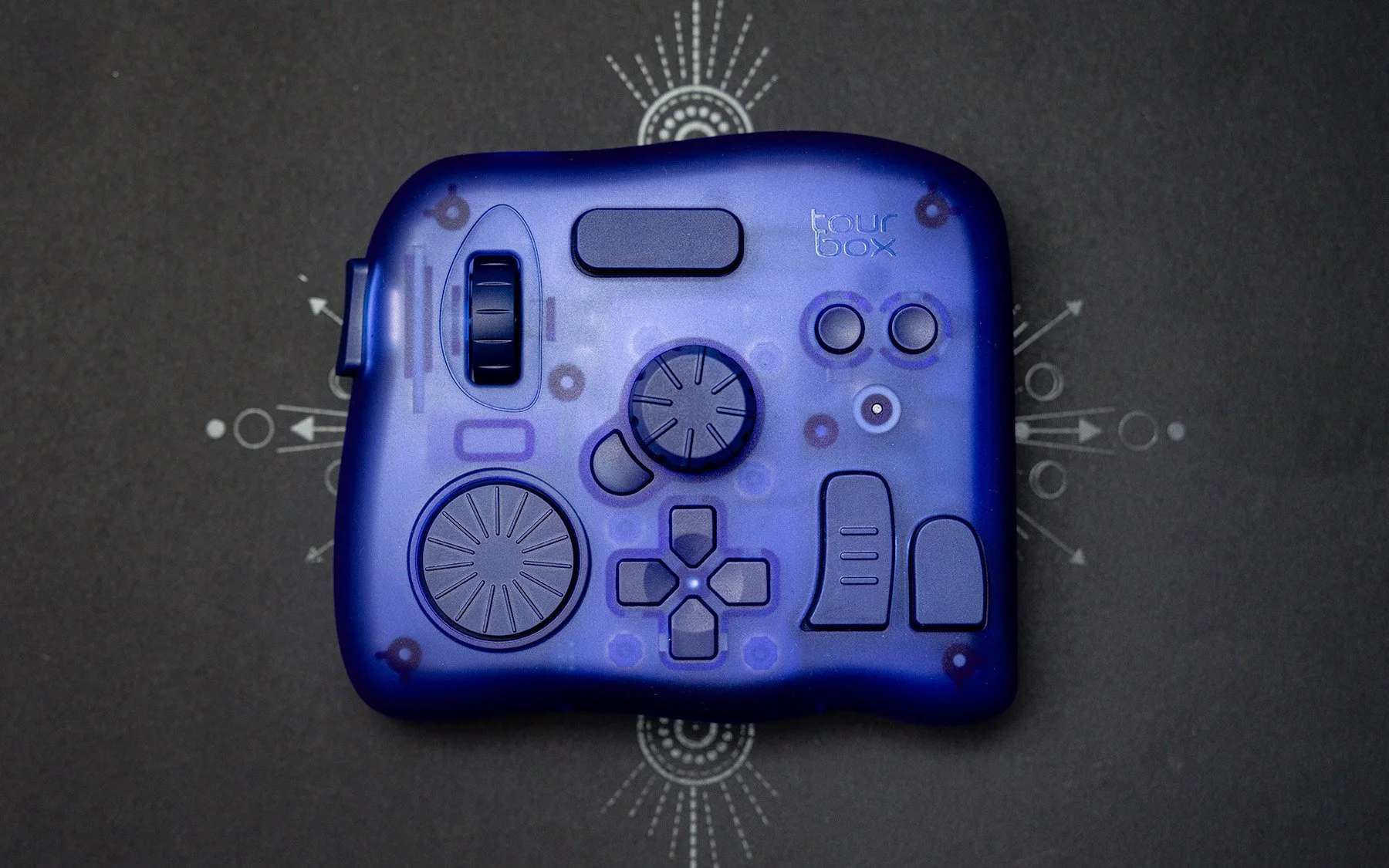
When I first saw the TourBox, I thought it was a gimmick. I have to be completely honest: I did not understand what this thing was for or why you would ever use this instead of just using a keyboard. When they reached out to sponsor a video of mine, I told them no because I just couldn't see the value in this device. I didn't understand it.
They said, "No problem. Can we just send it to you? If you want to try it, feel free. No strings attached, no worries." I thought, "I might as well give it a shot."
Right when I turned it on, I rotated a dial on the TourBox and realized it has haptic feedback. My reservations started to subside and I became more intrigued. In this article, I want to talk about a few of the things that I ended up really enjoying and how surprised I was at realizing how much it impacted my experience of editing. The TourBox is very different than using a keyboard and once you start using it you won't want to go back, especially when you edit in something like Lightroom.
Disclaimer: This IS a paid collaboration. However everything I’ve said above is true. I decided to work with TourBox because I was genuinely surprised by the experience. You would not be seeing this article if I wouldn’t recommend this to a close friend. All of my thoughts are my own and I will not be submitting this for edits to TourBox.
Haptic Feedback
Over the last decade I’ve seen the TourBox in social media ads, I’ve seen other YouTubers make videos about it, and I never realized that it had a rumble/haptic feature (specifically the elite model). This means that when you engage with some of the dials you get feedback for every adjustment or “click” you make on a slider.
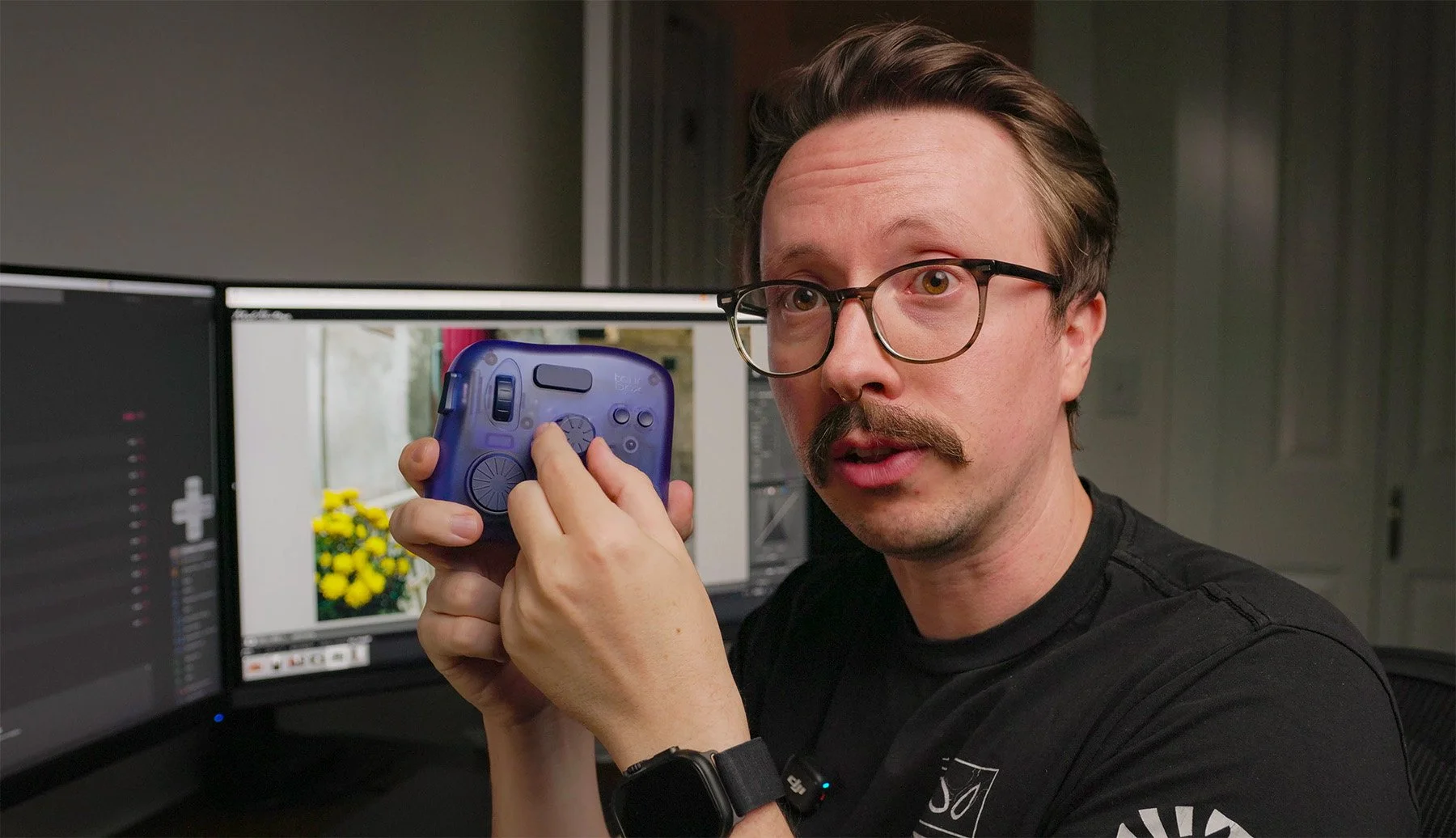
We love a good clicky wheel
It feels like a modern MacBook Pro mousepad, or the rumble in a controller. While that's not necessarily going to improve your photography, it absolutely changes the experience of editing. If you’re someone who enjoys dials, clicks, or sound of a good shutter, you’ll enjoy this experience.
When you're turning and adjusting sliders in Lightroom, you actually feel the adjustments and you get a response to your hand rather than just your eyes. The allows you to pay a little bit more attention to the edit rather than constantly checking the adjustments you're making. This combines really well with one of the standout features of the TourBox experience which is full screen editing.
A Completely New Editing Experience
Full-screen editing is enabled by TourBox’s software which allows you to enter full screen in Lightroom and access different editing panels. This enables you to change different settings that you may be familiar with in Lightroom such as exposure, temperature, clarity, even calibration. The reason this is so nice is because if you've ever edited photos in Lightroom, you're probably very aware of how often you have to move your eyes from an editing slider and back to the image as you're editing.
Imagine you're trying to adjust something like exposure: you have to move your mouse, make sure you're on the tiny little thing that adjusts exposure, move back to the image, then hold down on the mouse while looking at the image, adjust it, probably reset it, and then do it three more times to get the exposure correct. With the TourBox you can enable overlays in both fullscreen or non-full screen mode that allow you to interact with these Lightroom settings without ever using your mouse.
This means you never have to move your eyes back and forth to adjust sliders. On top of all that as you're making these adjustments, you're also getting that haptic feedback and the experience is very different than how you’ve edited over the years.
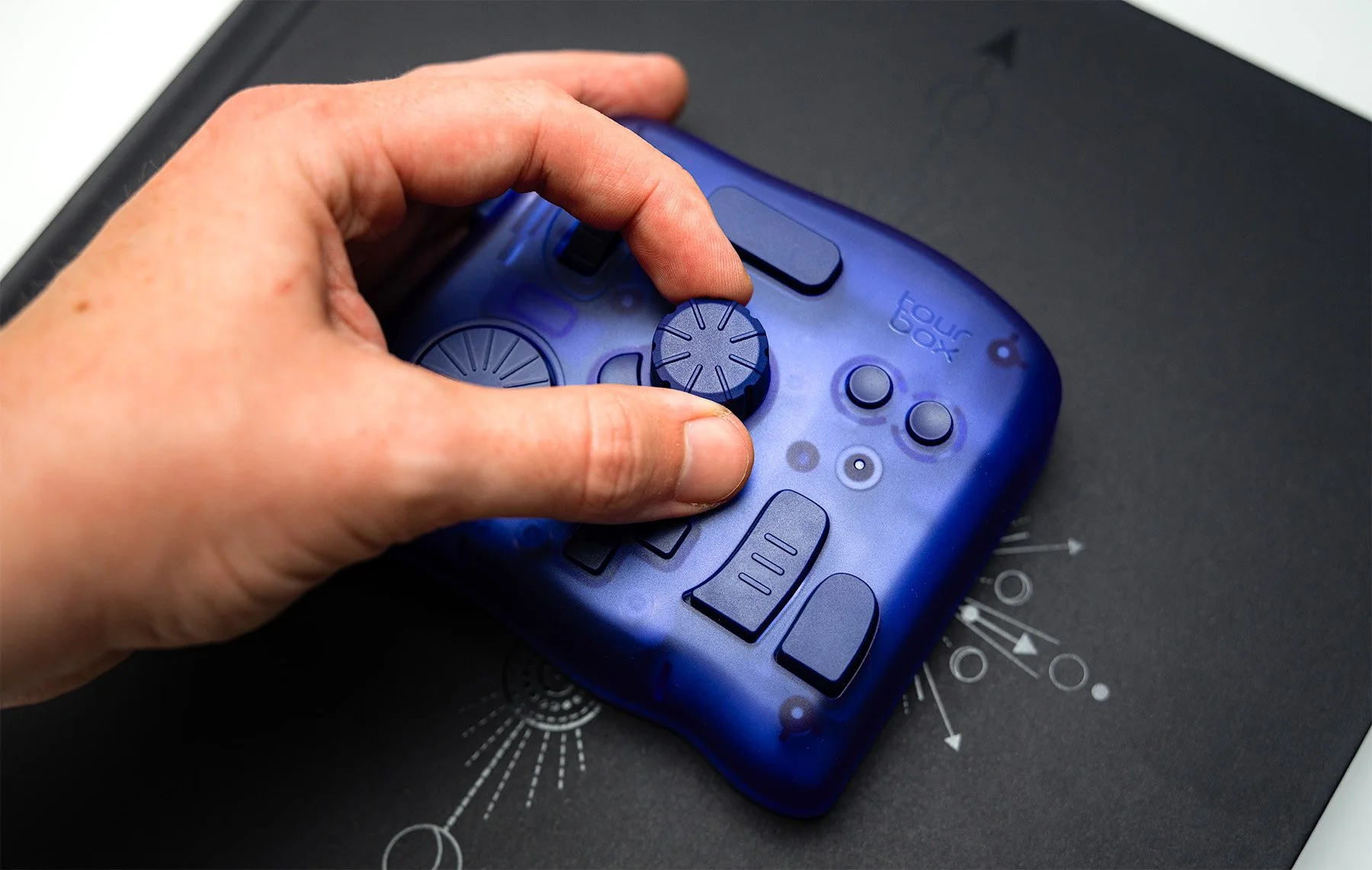
Never thought I’d be a hand model
Improved Accessibility
One huge benefit of this editing experience that doesn't get talked about enough is how accessible this is to individuals that might not necessarily have the dexterity or the hand-eye coordination that is required when editing in something like Lightroom Classic.
If you're someone who struggles with moving your mouse and trying to find all the adjustment sliders and then making the correct adjustments, this is something that would greatly improve your experience of editing or using sliders in Lightroom. By being able to bring up different editing menus and scroll through them using the TourBox and adjusting the sliders with dials, rather than navigating adjustments via a mouse.
While this necessarily won't be important for everyone, I've worked with enough photographers to know that this experience would be easier for quite a few people. There is a learning curve when using the TourBox considering I’ve had 17 years of muscle memory editing on a keyboard in Lightroom. But like any new device, the more you use it - the easier it is. Plus their software allows you to customize basically everything.
Software Customization
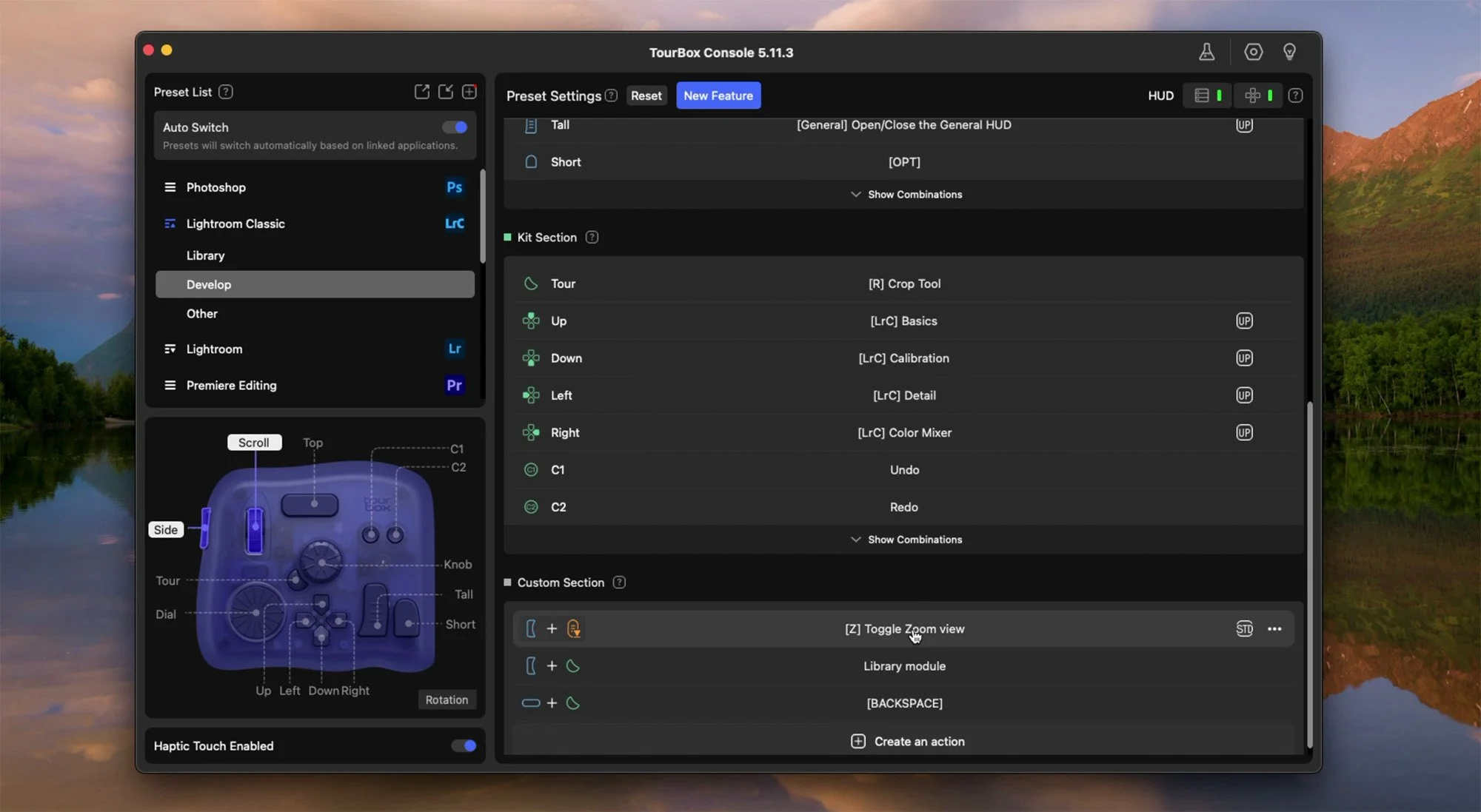
On the topic of buttons, there is a ton of customization throughout the software that TourBox provides. You can do simple things like adjust a button to be undo or redo, or the crop tool. You can also customize the buttons to bring up different toolbar menus, like the overlays for all of the full-screen editing. You can take it a step further and assign double clicks to reset a setting, or a combination of buttons can show you before/after of your image. Did I mention that this also works in programs like Premiere and DaVinci Resolve?
Editing for Lightroom
Now, like I said before, there is a slight learning curve when you get this because it's a completely new device and you have to learn what all the buttons do. Thankfully, TourBox also has an overlay for reminding you of what all the shortcuts you've set are, so that overlay will be dynamic to whatever shortcuts you make. For example, if they had a button defaulted to the crop tool, but you change what that button does, the overlay will reflect that change. You can always have it on screen when you're learning and trying to familiarize yourself with the device.
All that being said, a lot of the interactions are intuitive. One of my favorite features is that you can actually hover your mouse over an adjustment slider in Lightroom and then just turn the dial on the TourBox. It will adjust that slider. This allows you pay attention to your image without ever having to look back at the slider, similar to utilizing the overlays - completely up to you how you want to interact with your edit.
Final Thoughts and Is It Worth It?
There's a lot I didn't talk about in this article, like the fact that this thing is also wireless over Bluetooth, that it works on both Mac and Windows, that you can use it in other editing software with completely different overlays (like Photoshop), and I'm sure a bunch more. I wanted to focus on how I used it and experienced it, and the things that really meant something to me personally.
Overall, I was genuinely surprised to really enjoy the TourBox. I was pessimistic right from the start, as I explained at the beginning of the article. Once I started using it, I could easily see how this could change my experience of editing. There's something about the tactility in the feedback that makes me sit down to an edit and enjoy it in a different way, and that was very surprising.
I don't have very many complaints or issues with the TourBox for what I used it for. It's worked exactly how it's supposed to work every time I've turned it on and connected to my laptop, and I haven't had any issues so far. I do wish some of the overlays for different settings (for example, the HSL overlay) had some of the accessibility things that Lightroom has adapted.
For example, when you go to edit a hue, you can't select the dropper to select the hue and adjust it, which makes sense because the toolbar is intended to be used so that you're not using your mouse. I have to imagine that implementing something like that in their software would be difficult, but if they could, it would be really nice. I'm being very nitpicky there. I can always just go edit that adjustment in Lightroom myself rather than having it on the overlay.
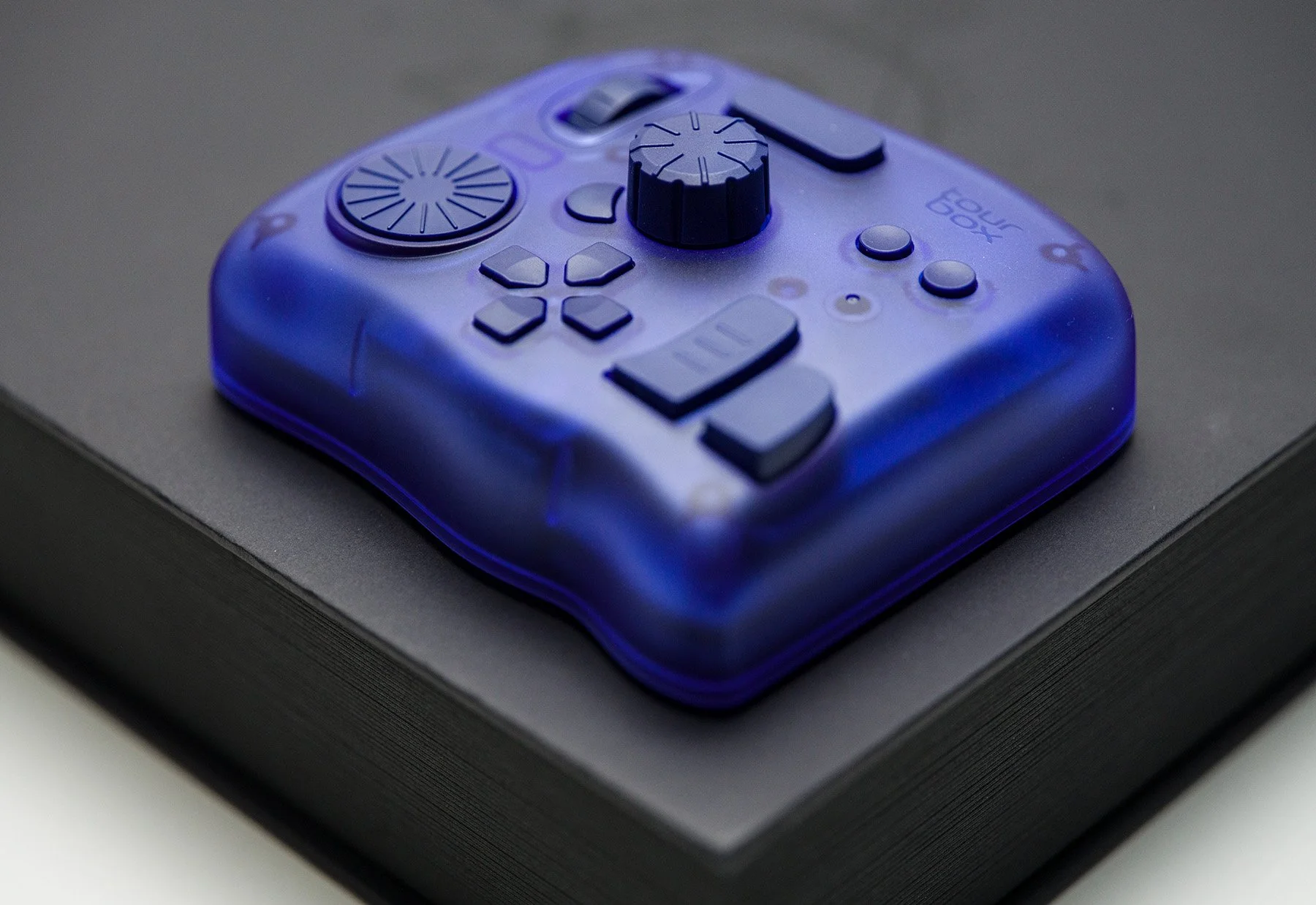
The biggest question is: is it worth it? At the time of writing this, the TourBox is roughly between $240-$300 and ultimately I can’t dictate what something is worth to you (yes you reader). I’m going to attempt to answer this question for different use cases and scenarios:
Beginners: If you're just getting into editing and just starting out in Lightroom, this is probably something I would hold off on until you feel comfortable in Lightroom or editing. Once you are, you might consider the TourBox.
Hobbyist: You’ve been editing for years and want something different, and you’ve got all the lenses you want, or you want to have a dedicated tool for your edits, give it a shot.
The Professional: that needs to be able to make adjustments and fine-tune images quite often, the experience of being able to edit without constantly moving your eyes back and forth is wonderful. Plus if you’ve been editing for a decade, it can be nice to try something new.
Tactility Enjoyers: If you’re somebody that enjoys mechanical keyboards, the feel of a good aperture ring, or how nice a mechanical shutter sounds - you’ll really enjoy this.
Accessibility Users: If you're somebody that struggles with the dexterity or interface of using a mouse in editing, this is absolutely worth it.
Leica and Hasselblad Users: ABSOLUTELY GET THIS AND PLEASE USE MY AFFILIATE LINK HERE
Thanks for reading and thanks to TourBox for sending this over without anything expected in return!